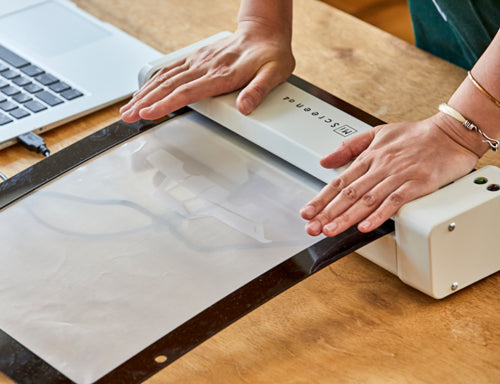
Digital thermal screen maker
MiScreen A4 Digital Screen Maker
Turn your artwork into a print-ready screen in about 30 seconds. No emulsion, no darkroom, no washout, no chemicals. Compact enough for a craft table, a classroom or a small shop.
Starter Kit included free with every MiScreen A4.
MiScreen A4 Digital Screen Maker (Starter Kit Included)
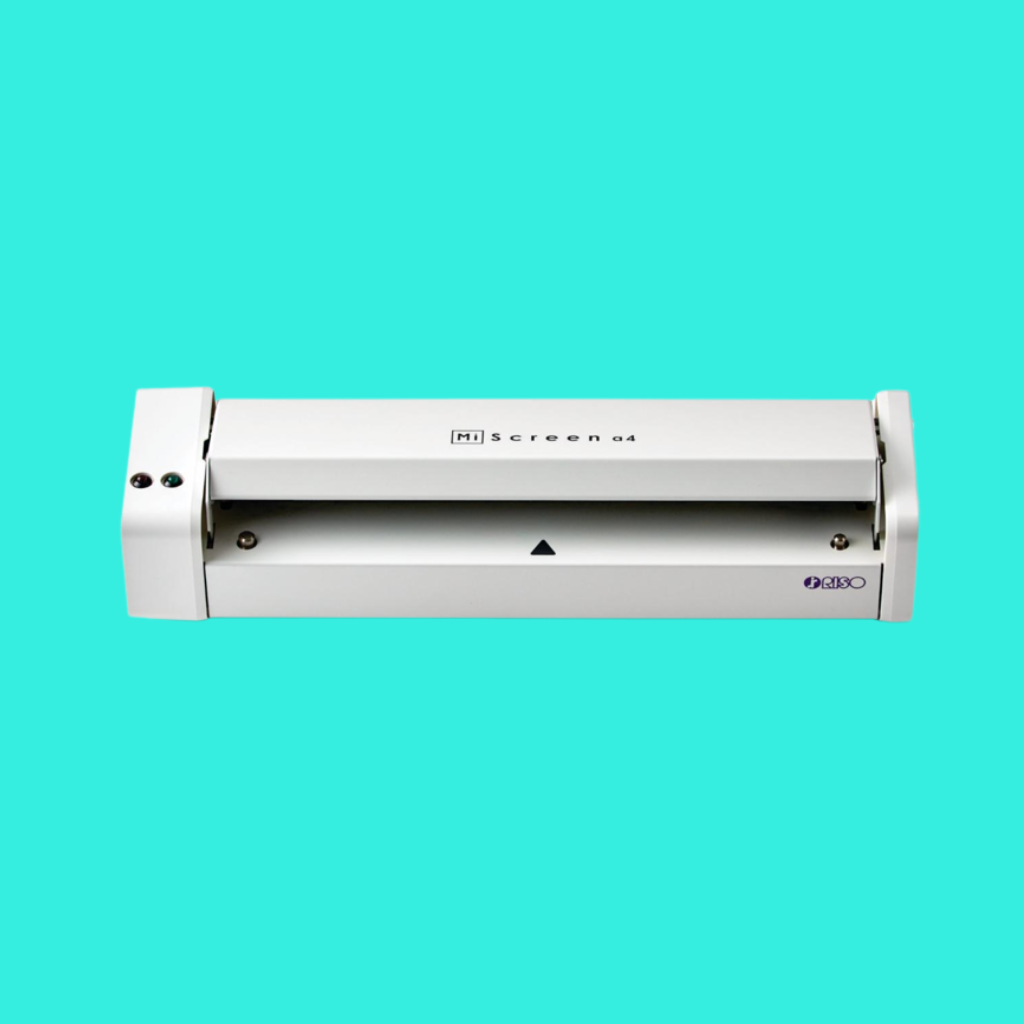
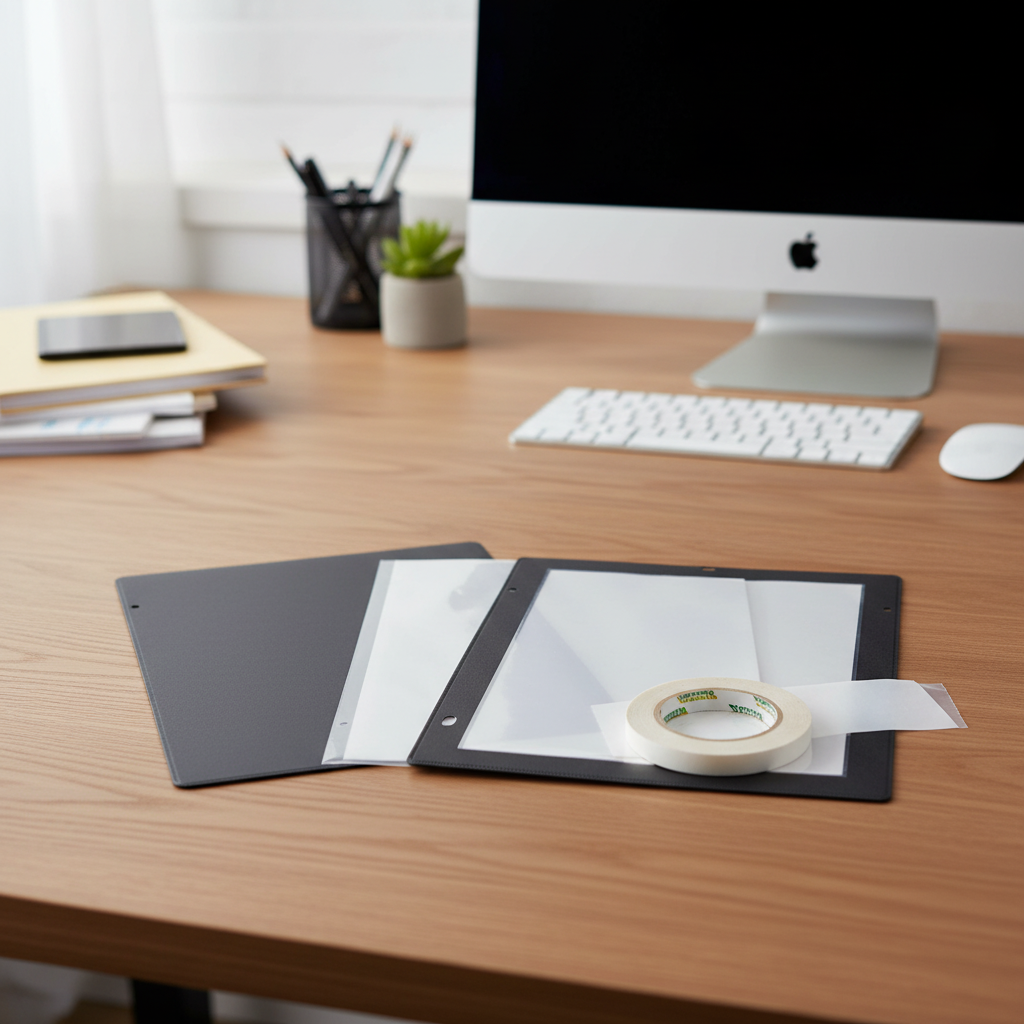
Starter Kit included free: plastic carrier frame, printing board, squeegee and 5 sheets of mesh. Everything you need to make your first screens out of the box.


How it works
- Load your design into the MiScreen software (JPEG, PDF or PNG).
- Mount the mesh. Apply a pre-cut sheet of thermal mesh to the plastic carrier frame.
- Print your image and place the frame into the MiScreen.
- Expose for about 30 seconds, holding the lid down. The screen is made by heat, so there is nothing to coat, dry or wash out.
- Start printing. Your screen is ready right away.
Who uses the MiScreen
-
Quilters & crafters
Quilting & craftsPrint on fabric, quilt blocks, totes and costumes. Replacing an old ThermoFax? The MiScreen is the modern way to make thermal screens.
-
Schools & classrooms
For educatorsNo chemicals or darkroom make it a safe, simple fit for art rooms, makerspaces and workshops.
-
Small apparel shops
A DTF alternativeMake screens for short runs, samples and one-color designs without setting up a screen room.
-
Ceramics, wood & more
Print on paper, cardboard, plastics, wood, glass, metal and ceramics. Popular with potters and mixed-media artists.
Specs & FAQ
Specifications
- Digital Thermal Screen System
- Resolution: 203 dpi
- Screen Making Time: 30 seconds
- Screen Frame Size: 11.8" x 16.9"
- Maximum Image Size: 8.3" x 11.8"
- Interface: USB 2.0
- Power Consumption: 120 W
- Weight: 5.7 lbs.
- Software: Dedicated MiScreen Software
- Supported OS: Windows and Mac
What's included?
Every MiScreen A4 comes with a free Starter Kit:
- Plastic carrier frame
- Printing board
- Squeegee
- 5 sheets of mesh
What can I print on?
- Fabric/Textiles
- Paper & Cardboard
- Plastics
- Wood
- Glass
- Metal
- Ceramics
Does the MiScreen work with a Mac?
Yes. The MiScreen software runs on both Mac and Windows.
Do I need emulsion or an exposure unit?
No. The MiScreen makes screens with heat on pre-cut thermal mesh, so there is no emulsion to coat, no darkroom, no exposure unit and no washout.
Where do I get mesh and refills?
Mesh sheets, mesh rolls, carrier frames, tape and other MiScreen supplies are all in our MiScreen & Supplies collection.
Software, manual & community
MiScreen supplies & refills
-
MiScreen A4 Digital Screen Maker (Starter Kit Included)
Regular price $2,965.00 USDRegular priceSale price $2,965.00 USD -
MiScreen Starter Kit
Regular price $248.00 USDRegular priceSale price $248.00 USD -
MiScreen plastic carrier frame
Regular price $69.00 USDRegular priceSale price $69.00 USD -
Cardstock Frame Set (5 pack)
Regular price $59.00 USDRegular priceSale price $59.00 USD